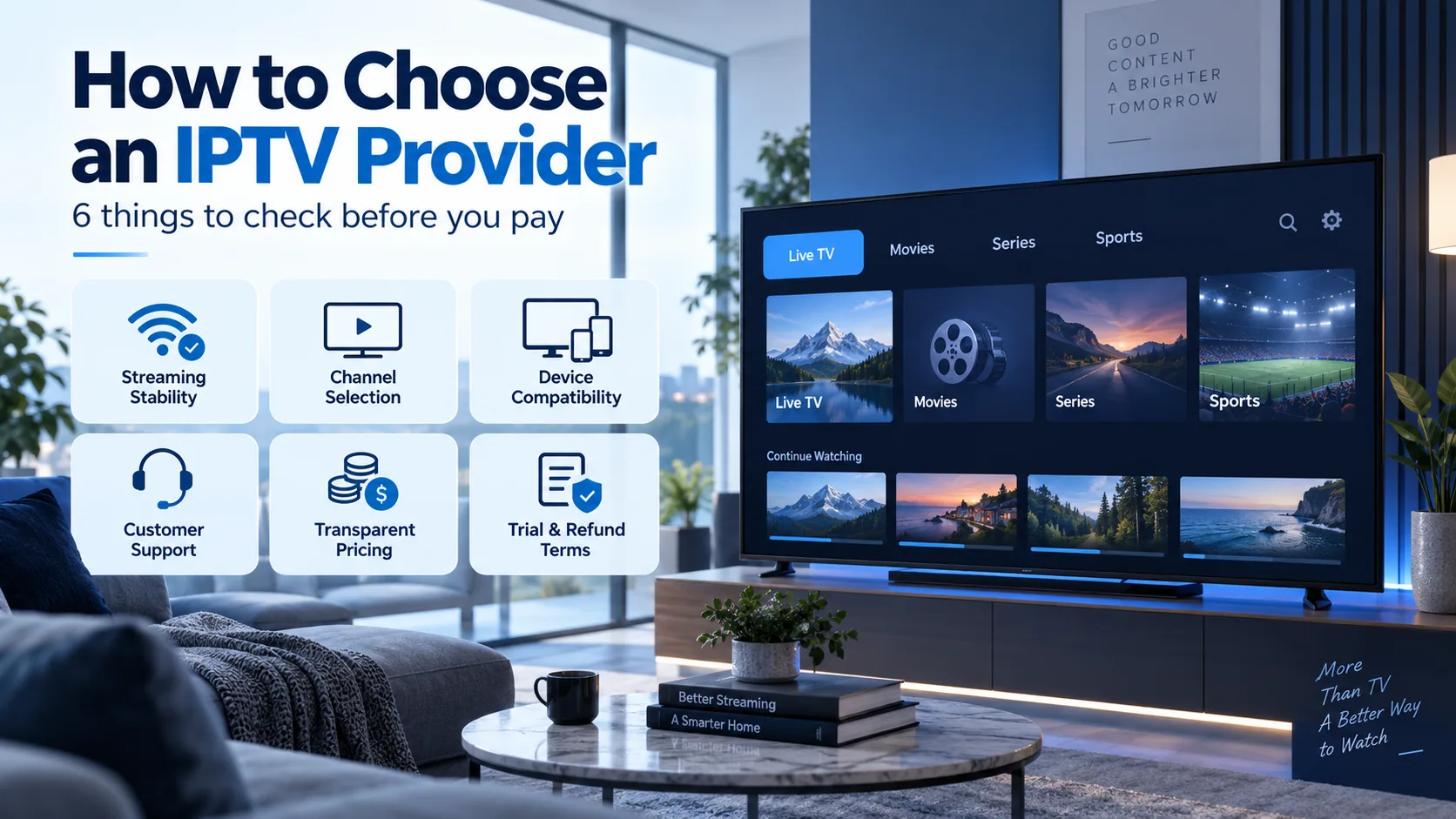
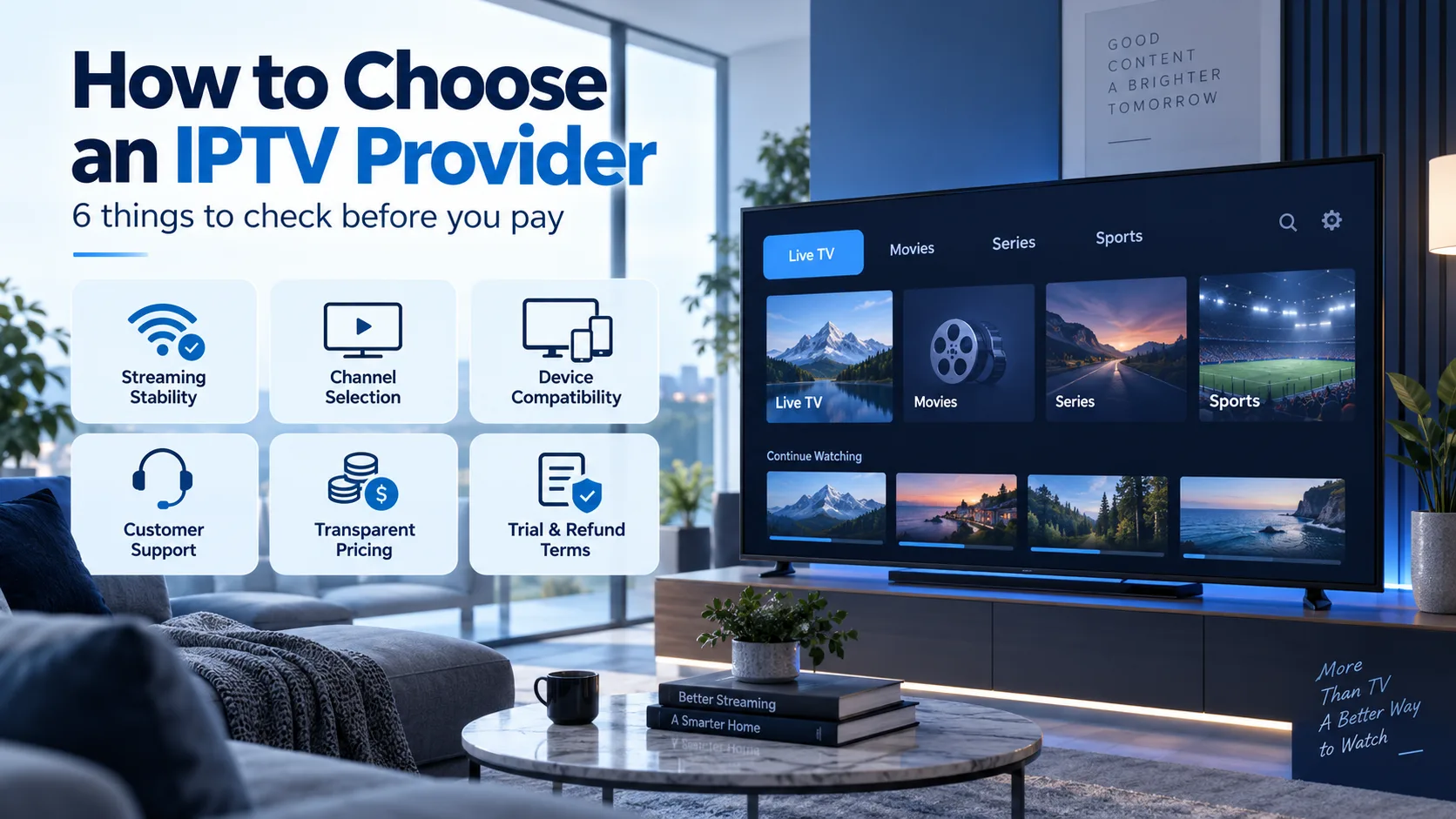
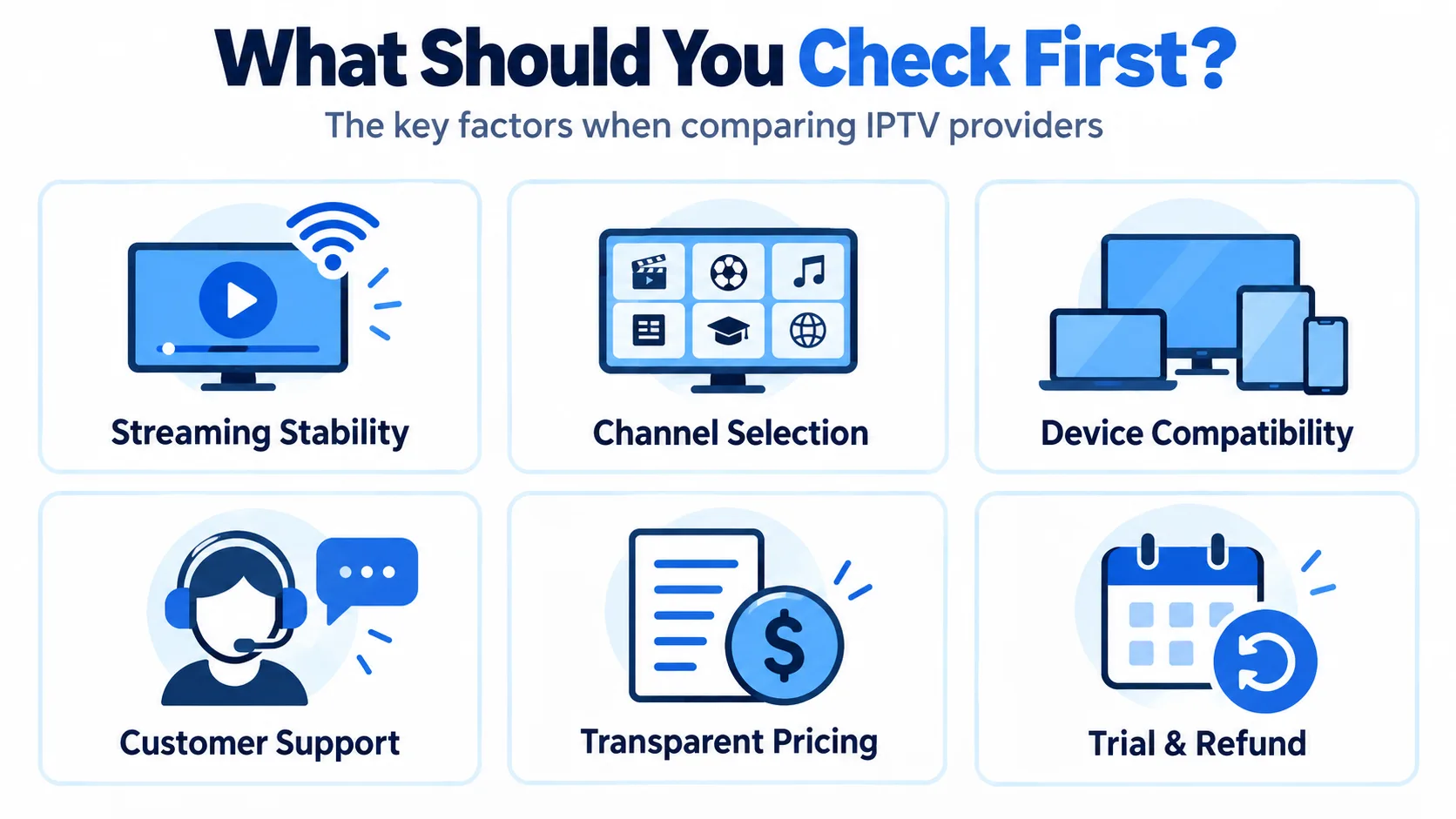
Choosing an IPTV provider in 2026 comes down to six checkable things: streaming stability, real channel selection, device compatibility, customer support, transparent pricing, and written trial and refund terms. This guide explains how to choose an IPTV provider step by step, so you can evaluate any service — including SmartVPro — before you pay a single dollar. Checked and current as of September 2026.
Quick Answer
To choose an IPTV provider, verify six things directly with the provider before subscribing: the ongoing (non-promotional) monthly price, a written trial or refund policy, confirmed compatibility with your specific device, a named and reachable support channel, the exact channels included (not just a total count), and whether customer reviews look genuine rather than templated. No single IPTV provider is objectively “best” — the right choice depends on your device, your budget, and the channels you actually watch. A reliable IPTV provider will answer all six questions in writing before asking for payment.
Key Takeaways
- Compare the ongoing monthly price, not a first-term promotional rate — several major IPTV providers advertise a discounted rate that only applies for the first few months.
- An advertised channel count means little without the actual list; ask any IPTV provider for the specific channels, leagues, and networks included by name.
- Confirm the number of simultaneous streams allowed, which is separate from how many devices you can install the app on.
- A written refund or cancellation policy matters more than a long trial period with vague terms.
- Test streaming stability during peak hours (evenings and live sports) before committing to a long-term IPTV subscription.
- Treat missing contact details, templated reviews, and frequent domain changes as immediate red flags.
What Is an IPTV Provider and How Does It Work?
An IPTV provider is a company that delivers live television channels, catch-up TV, and on-demand video over a standard internet connection instead of through cable, satellite, or an antenna. You subscribe to a plan, receive login details or a playlist, and watch through an app on your Smart TV, Firestick, phone, tablet, or computer. Because everything travels over the internet, the quality of your experience depends on two things working together: the provider’s server infrastructure and your own home connection.
That is also why choosing an IPTV provider is different from choosing a cable company. There is no regional monopoly and no installation visit — you can switch services in an afternoon. The practical result: the market is crowded, quality varies enormously, and the burden of verification falls on you, the buyer. The six factors in this guide are how you carry out that verification quickly and systematically.
How to Choose an IPTV Provider: The 6 Factors That Matter
Every trustworthy comparison of IPTV services comes back to the same six fundamentals. Whether you are evaluating SmartVPro or any other IPTV provider, run the service through each factor below in order. The first three determine whether the service will actually work in your living room; the last three determine whether the company behind it will treat you fairly after payment.
1. Streaming Stability and Uptime
Streaming stability is the single most important factor when you pick an IPTV provider, because nothing else matters if the stream buffers during the last minute of a game. Ask directly what uptime guarantee, if any, the provider offers in writing, and whether that figure is independently measured or self-reported. A serious IPTV provider should also be transparent about server locations and whether it uses anti-freeze or load-balancing technology during major live events.
Your own connection matters too: for a single HD stream you generally need 10-25 Mbps, and for 4K closer to 35 Mbps, according to the FCC broadband speed guide. Rule out your home network first, then judge the provider on what remains.
How to test stability during a trial
- Watch during peak hours — weekday evenings and weekend live sports are when weak infrastructure shows.
- Test the exact channels you care about, not just the ones that load fastest.
- Switch channels rapidly for a few minutes; slow zapping usually signals overloaded servers.
- Try both Wi-Fi and wired connections to separate provider problems from network problems.
2. Channel Selection: The List Beats the Count
A large advertised channel count is not, by itself, useful. Thousands of channels mean nothing if the three networks you actually watch are missing or constantly offline. Before subscribing, ask the IPTV provider for the actual channel list and confirm the specific networks, sports packages, or international channels you want are included by name — for example local US networks, premium sports like NFL, NBA, or Premier League coverage, and any international or Arabic, French, or Latino packages your household needs.
Also ask how often the lineup changes. An honest IPTV provider will tell you that channels occasionally move or get renamed; a vague or evasive answer about specific channels is a warning sign covered in the red flags section below.
3. Device Compatibility
Before paying any IPTV provider, check its published device list for your exact hardware — Fire TV or Firestick generation, Smart TV operating system (Samsung Tizen, LG webOS, Google TV, Android TV), iOS or Android phone version, and whether a dedicated app exists or you will need a separate IPTV player app loaded with your subscription details. The best IPTV providers support all mainstream devices with a native app and publish clear setup guides for each one.
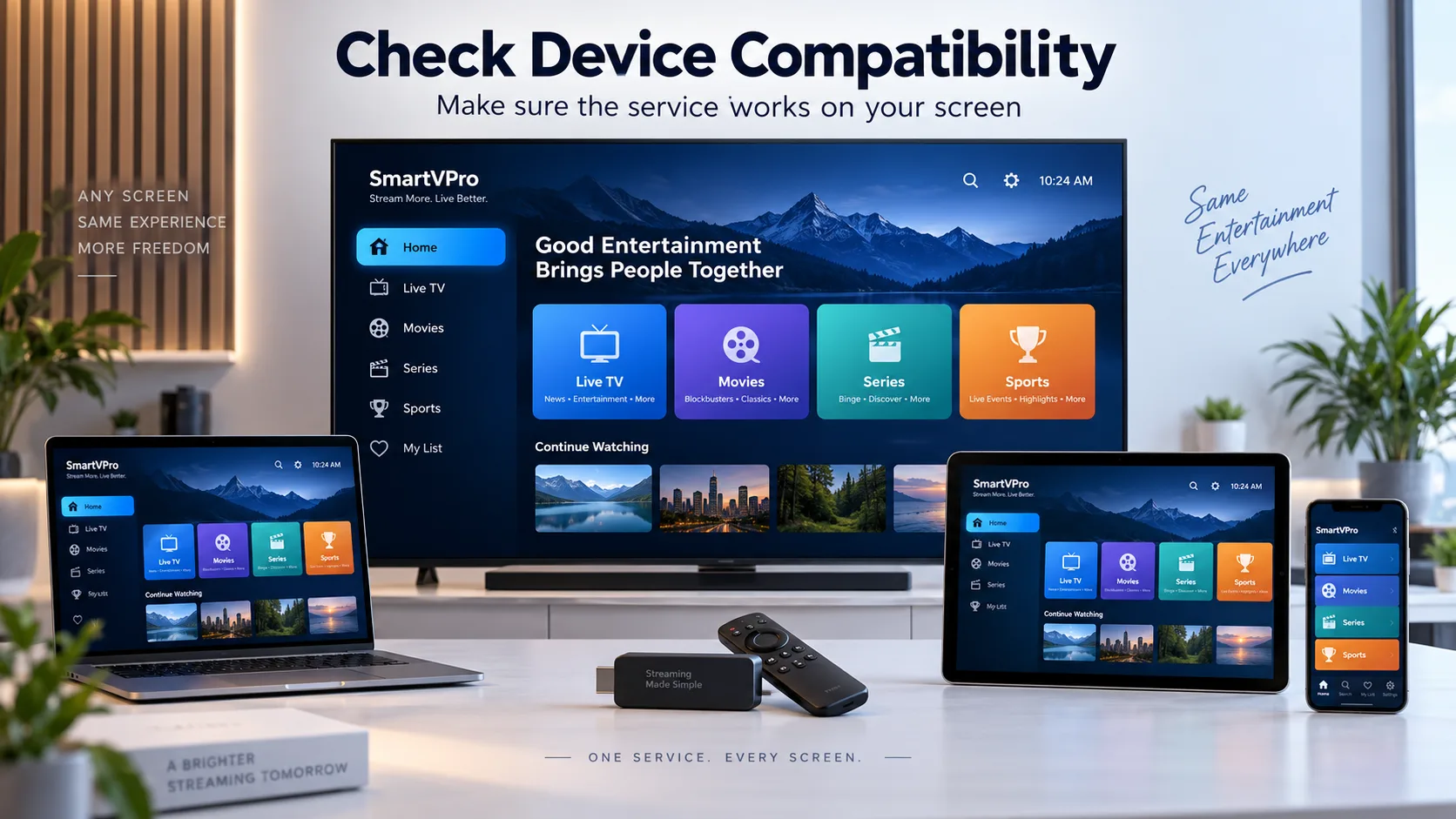
- Smart TVs: confirm the OS version, not just the brand — older Tizen and webOS builds often lack app support.
- Firestick / Android boxes: the most flexible route; ask whether the provider has its own app or recommends a player.
- Phones and tablets: useful as a second screen; check whether mobile use counts against your simultaneous streams.
- Simultaneous connections: confirm how many streams can run at once, and what an extra connection costs.
4. Customer Support You Can Actually Reach
IPTV is a technical product, and even the best IPTV service will occasionally need troubleshooting — a playlist refresh, an app update, a channel that moved. Look for a named support channel with stated hours: live chat, email, WhatsApp, or phone, rather than only an anonymous contact form. Response time matters more than channel variety; a provider that answers within an hour on one channel beats one that lists five channels and answers none.
Test responsiveness with a real pre-sales question before subscribing. How an IPTV provider treats you before you pay is the best predictor of how it will treat you after.
5. Transparent Pricing
Confirm the price you will pay after any promotional period ends, whether the plan auto-renews, and whether multi-device or multi-connection access costs extra. Transparent pricing is one of the clearest signals that an IPTV provider runs a real business: the full price table, accepted payment methods, and renewal terms should all be published before checkout, with no surprise add-ons.
| Question to ask before paying | Why it matters |
|---|---|
| What is the renewal price after the promo? | Many services double the rate after the first term. |
| Does the plan auto-renew? | Auto-renewal without notice is a common complaint. |
| How many simultaneous streams are included? | Extra connections often cost extra. |
| Which payment methods are accepted? | Traceable payment methods give you recourse. |
| Is there a written refund policy? | Verbal promises are unenforceable. |
What does an IPTV subscription cost in 2026?
Typical IPTV subscription pricing in 2026 ranges from roughly $10 to $25 per month for a single-connection plan, with discounts of 30-50% for quarterly or annual terms and a few dollars extra per additional simultaneous connection. Prices far below that range should raise questions rather than excitement: server capacity, support staff, and content all cost money, and a service priced too low to cover them usually compensates with overloaded servers or a disappearing act at renewal time. When comparing an IPTV provider against alternatives, always convert everything to an effective monthly price over twelve months, including any renewal increase.
6. Trial and Refund Terms in Writing
A short paid trial or a clearly written money-back window is more useful than marketing language alone. Most reputable IPTV providers offer a 24-72 hour trial, sometimes for a nominal fee, which is exactly enough time to run the stability tests described above. Get the cancellation process in writing before you pay: how to cancel, how long refunds take, and any conditions attached.
Be cautious with any IPTV provider that offers a “free trial” but requires full payment details with no stated refund terms — that combination produces most billing disputes in this industry.
EPG, Catch-Up, and VOD Extras
An electronic program guide (EPG) and a few days of catch-up or replay access are standard on most modern IPTV services in 2026; ask specifically how many days of catch-up are included, since this is rarely listed on pricing pages. A well-maintained EPG with correct time zones makes daily use dramatically better, and a video-on-demand (VOD) library of movies and series is a meaningful bonus if your household streams more than live TV. Treat these as tiebreakers between two otherwise equal IPTV providers rather than primary criteria.
Safety and Payment: Protect Yourself Before You Subscribe
Beyond the six core factors, a little due diligence protects both your money and your data. Prefer an IPTV provider that offers traceable payment methods — a card processor or PayPal — over one that accepts only cryptocurrency or gift cards, because traceable payments give you a dispute path if the service disappears. Check that the checkout page uses HTTPS, and never reuse a password from another account when registering.
It is also worth confirming that the provider operates openly: a real domain history, a published refund policy, and consistent branding across its site and support channels. Services that hide every identifying detail tend to treat customer money the same way they treat transparency.
IPTV Provider Red Flags to Avoid
Most bad experiences with IPTV services are predictable in advance. Before you subscribe to any IPTV provider, scan for the warning signs below — any two of them together should end the evaluation immediately.
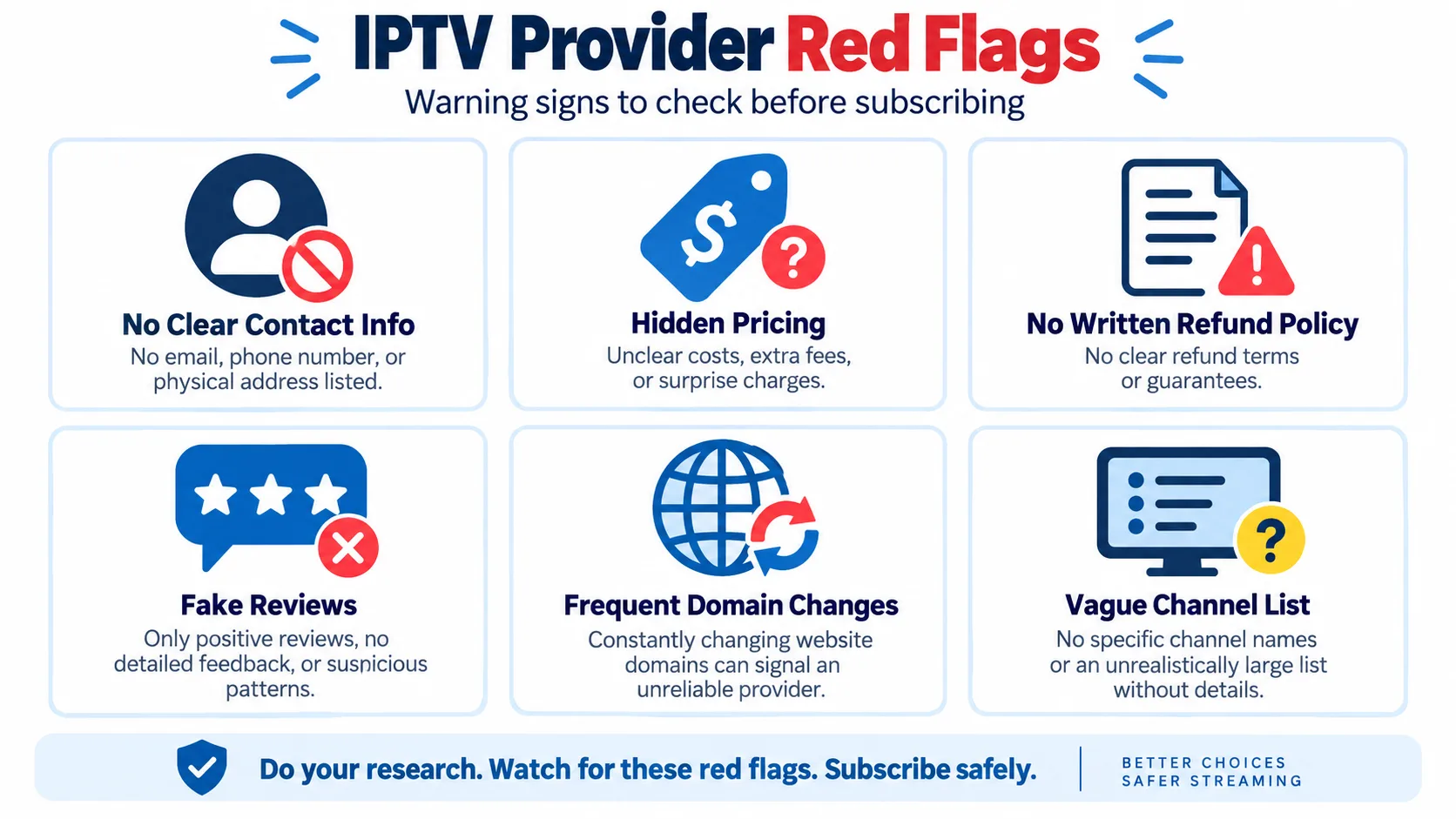
- No verifiable contact information — no email, phone number, or business details anywhere on the site.
- Hidden pricing — costs, fees, or renewal rates that only appear at checkout or after payment.
- No written refund policy — refund promises that exist only in chat messages.
- Templated reviews — identical testimonial text repeated across pages, or only five-star reviews with no detail.
- Frequent domain changes — a service that regularly moves domains cannot honor long subscriptions reliably.
- Vague channel answers — refusal to name specific channels or leagues when asked directly.
Step-by-Step: Evaluating an IPTV Provider Before You Pay
- List the 10-15 channels your household actually watches, including sports leagues and local networks.
- Shortlist two or three IPTV providers and request the full channel list from each.
- Confirm device compatibility for your exact TV, stick, or box model.
- Ask pre-sales support one real question and time the response.
- Read the pricing page for renewal price, auto-renewal terms, and connection limits.
- Get the trial and refund terms in writing.
- Run a 24-72 hour trial and test peak-hour stability on your most-watched channels before paying for a longer term.
How SmartVPro Measures Up
We built SmartVPro around these exact six criteria: published pricing with no hidden renewal jumps, a real channel list you can request before paying, apps and setup guides for Firestick, Smart TV, Android, and iOS, live-chat support with stated hours, and written trial and refund terms. But do not take our word for it — hold us to the same checklist you would apply to any other IPTV provider, and compare us side by side using our best USA IPTV providers guide.
Frequently Asked Questions
How do I choose an IPTV provider?
Compare the ongoing monthly price, confirm compatibility with your exact device, check the written trial and refund policy, verify a real support channel, and ask for the specific channel list before subscribing. Then run a short trial during peak evening hours before paying for a longer term.
What is more important: channel count or channel list?
The specific channel list. A high total count says nothing about whether the networks, leagues, and local channels you actually watch are included. Always ask the IPTV provider to confirm your must-have channels by name.
How much internet speed do I need for IPTV?
Plan on roughly 10-25 Mbps per HD stream and about 35 Mbps for 4K, with a stable connection mattering more than raw speed. If several people stream at once, add those requirements together and prefer a wired connection for the main TV.
Is a longer IPTV trial always better?
Not necessarily. A short 24-72 hour trial with clear, written refund terms is more useful than a longer trial with vague conditions, because it still covers the peak-hour testing that reveals stability problems.
How do I know if IPTV provider reviews are genuine?
Check whether the same testimonial text appears more than once on the provider’s own site, whether reviews include specific details about channels and devices, and whether any negative or mixed feedback exists at all. Only perfect, templated praise is a sign of fabricated reviews.
How many devices can I use with one IPTV subscription?
It depends on the IPTV provider. Most plans allow installation on several devices but limit simultaneous streams to one or two connections, with extra connections available for a fee. Confirm both numbers in writing before you subscribe.
What are the biggest red flags when choosing an IPTV provider?
No verifiable contact information, hidden or unclear pricing, no written refund policy, templated five-star reviews, frequent domain changes, and vague answers about which specific channels are included. Any two of these together should end the evaluation.
Final Thoughts
Learning how to choose an IPTV provider is mostly about refusing to pay for anything you cannot verify: the real price, the real channel list, real device support, and real refund terms. Use the six criteria and the red-flag list above as a checklist for any IPTV provider you are considering, including SmartVPro. For a side-by-side comparison of specific providers and current pricing, see our best USA IPTV top providers guide.