IPTV services in the USA have transformed how Americans watch television, offering thousands of live channels, on-demand content, and sports programming through internet streaming rather than traditional cable or satellite. These services typically provide access to 12,000 to 40,000 channels, including premium US networks like ESPN, HBO, NBC, and Fox Sports, along with international content. USA IPTV providers deliver HD, 4K, and even 8K streaming quality at monthly subscription costs ranging from $8 to $50, significantly less than traditional cable packages.

Choosing the right IPTV service requires understanding key factors like channel selection, streaming stability, device compatibility, and customer support responsiveness. Testing across multiple providers reveals significant differences in uptime reliability, buffer management during peak hours, and the accuracy of electronic program guides. You need to consider whether a service supports your specific devices, offers adequate trial periods, and maintains consistent performance during live sports events when streaming demand peaks.
The USA IPTV market includes both established providers with proven track records and newer services making bold claims about channel counts and quality. Evaluating these options based on actual performance data, pricing transparency, and real-world streaming stability helps you avoid services with hidden fees, frequent outages, or unreliable support. Understanding what separates reliable providers from problematic ones protects your investment and ensures a better streaming experience.
Key Takeaways
- USA IPTV services offer thousands of live channels and on-demand content at lower costs than traditional cable subscriptions
- Reliable providers maintain consistent streaming quality with minimal buffering and uptime rates above 99%
- Device compatibility, trial periods, and responsive customer support are essential factors when selecting an IPTV service
What Is USA IPTV?
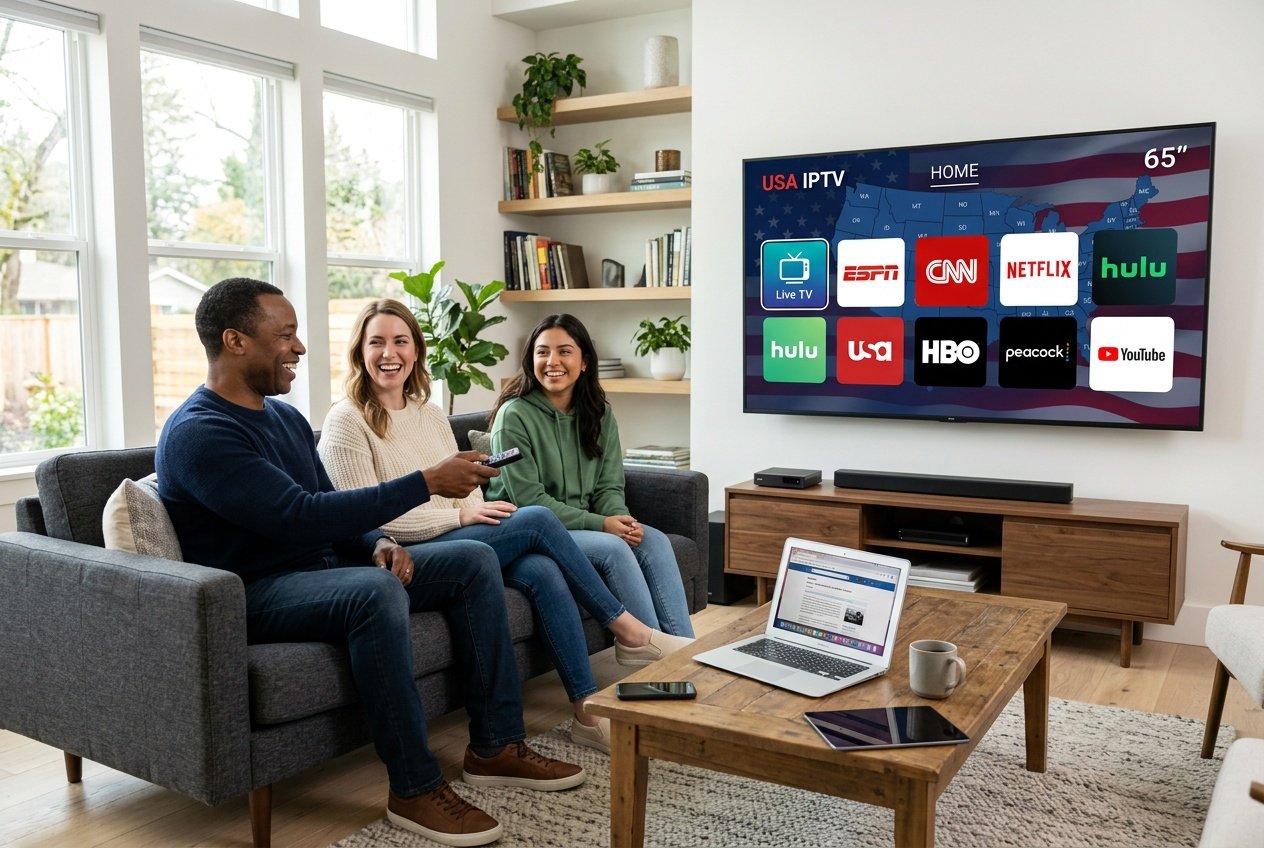
USA IPTV delivers television content through your internet connection instead of traditional cable or satellite infrastructure. This technology streams live channels, on-demand content, and catch-up TV directly to your devices using Internet Protocol, the same system that powers your web browsing and email.
How IPTV Works in the USA
When you select a channel or program through your IPTV service, your device sends a request to the provider’s server. The server authenticates your subscription and streams the specific content you requested as data packets over your broadband connection. Your streaming device receives these packets through your home router and decodes them into video and audio for display on your screen.
IPTV technology uses unicast delivery for on-demand content, sending individual streams to each viewer. For live channels, providers use multicast delivery, where one stream serves multiple viewers simultaneously to reduce bandwidth costs. Most services organize content through M3U playlists or Xtream Codes APIs, which your IPTV app displays as an electronic program guide.
You need a minimum internet speed of 25 Mbps for HD streaming and 50+ Mbps for 4K content. The average latency for live IPTV streaming is 5-15 seconds behind traditional broadcast. Your setup requires four components: a broadband connection, a compatible device (Fire Stick, Android box, smart TV, or smartphone), an IPTV subscription, and streaming software like TiviMate or Smarters Pro.
Key Differences From Traditional TV
Traditional cable pushes all channels to your home simultaneously through coaxial cables, whether you watch them or not. Satellite TV broadcasts signals from orbiting satellites to a dish on your property. Both systems are one-directional and require physical infrastructure at your location.
IPTV streaming delivers only the content you request when you request it. You control what streams to your device rather than receiving a continuous broadcast of all channels. This means you can watch on multiple devices anywhere you have internet access, not just in rooms with cable outlets.
The cost difference is substantial. Cable TV averages $85-$120 monthly with equipment fees and contracts. IPTV subscriptions typically cost $10-$30 monthly with no contracts. You also get significantly more channels—IPTV services often provide 5,000-20,000+ channels compared to cable’s 100-400 channels. Internet Protocol Television supports features like cloud DVR, multi-device streaming, and portability that traditional TV cannot match without additional fees.
Why IPTV Is Gaining Popularity
US pay-TV subscribers dropped below 60 million in 2024, down from 105 million in 2012. IPTV now serves an estimated 12-15 million American households as people seek alternatives to rising cable costs and restrictive contracts.
You gain access to international channels unavailable through traditional providers. Sports fans can watch live games without expensive cable sports packages. The flexibility to stream on phones, tablets, and laptops while traveling appeals to mobile viewers.
IPTV technology delivers better picture quality options, including 4K content that remains limited on cable and satellite. You can pause, rewind, and catch up on programming across all channels, not just select networks. Month-to-month billing without installation fees or early termination penalties gives you control over your entertainment budget. The average household switching from cable to IPTV saves $720-$1,080 annually while gaining more content options.
Top Features of USA IPTV Services
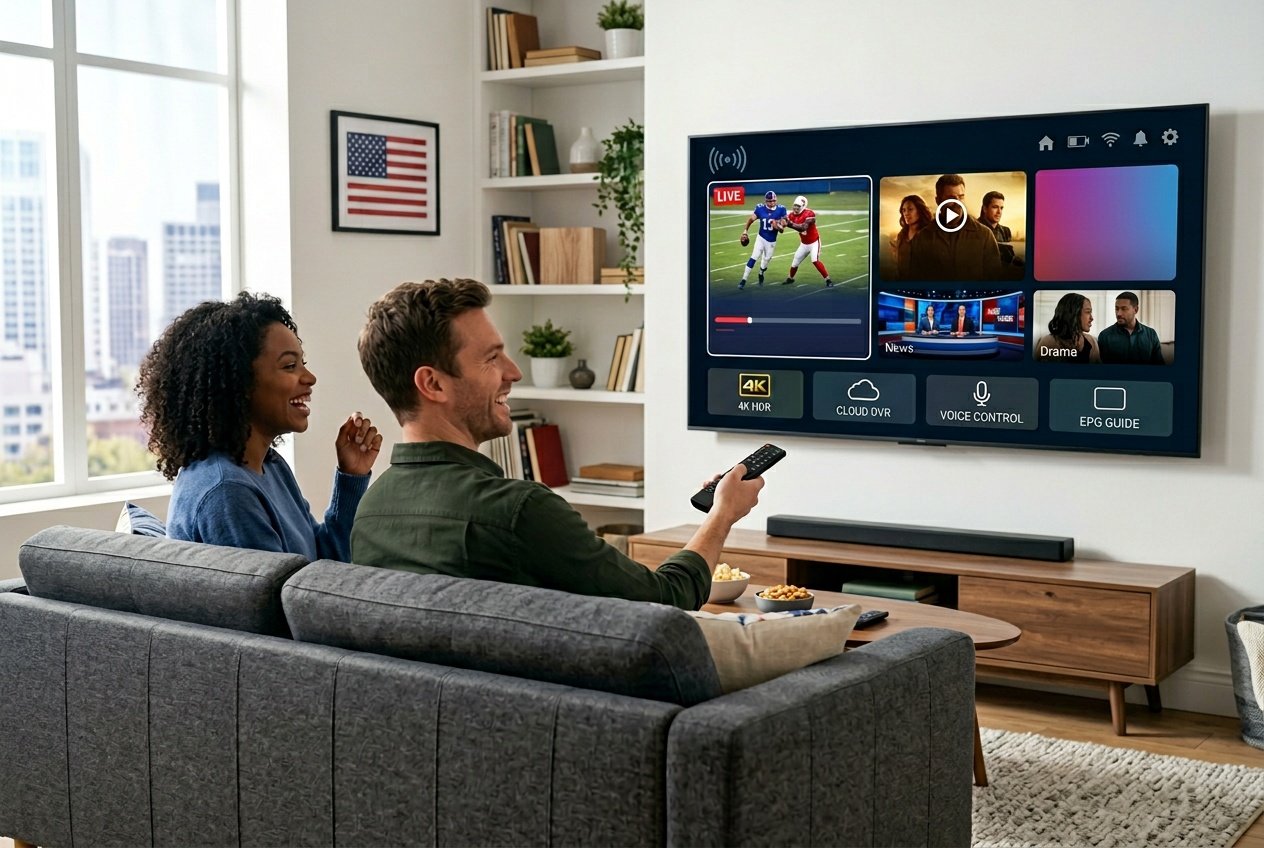
Modern IPTV services in the USA distinguish themselves through extensive channel lineups, flexible viewing options, advanced streaming quality, and intuitive interfaces that make navigation simple.
Channel Lineup and Content Variety
The strength of any IPTV service lies in its channel lineup. Leading providers offer access to 10,000 to 20,000+ live TV channels spanning local networks, premium cable stations, international programming, and niche categories.
Your subscription typically includes major networks like ABC, NBC, CBS, and FOX alongside sports channels covering NFL, NBA, MLB, and NHL events. International content from the UK, Canada, Latin America, and Asia expands your viewing options beyond domestic programming.
Premium services include specialty channels for news, documentaries, kids’ programming, and lifestyle content. The VOD library complements live channels with 50,000 to 136,000+ movies and TV shows available on demand.
On-Demand and Live TV Options
IPTV platforms combine live channels with video on demand functionality. You can watch scheduled broadcasts in real-time or select from thousands of on-demand titles whenever convenient.
Key viewing options include:
- Live TV channels streaming as they air
- VOD library with movies and complete series
- Catch-up TV letting you rewind live programming up to 7 days
- EPG (Electronic Program Guide) displaying channel schedules
- Cloud DVR for recording programs to watch later
The EPG TV guide shows what’s currently playing and upcoming schedules across all channels. Most providers update their on-demand content daily, adding new releases and seasonal programming. This dual approach means you’re never limited to what’s broadcasting at any given moment.
Streaming Quality: HD, 4K, and Beyond
Video quality directly impacts your viewing experience. Standard IPTV services deliver HD streaming at 1080p resolution, while premium options support 4K IPTV and even 8K UHD on select content.
4K streaming requires stable internet speeds of at least 25 Mbps, though 50 Mbps or higher ensures buffer-free playback. Top providers employ anti-freeze technology and adaptive bitrate streaming that adjusts quality based on your connection speed.
Available quality tiers:
| Resolution | Quality Level | Recommended Speed |
|---|---|---|
| 720p | HD | 5-10 Mbps |
| 1080p | Full HD | 10-20 Mbps |
| 4K | Ultra HD | 25-50 Mbps |
| 8K | UHD | 50+ Mbps |
UHD streaming delivers sharper images and richer colors, particularly noticeable on larger screens. Many services offer multiple quality options per channel, letting you prioritize either quality or data usage.
User Interface and Experience
A well-designed interface makes finding content effortless. The best IPTV services feature organized menus, powerful search functions, and customizable favorites lists that adapt to your preferences.
The electronic program guide serves as your primary navigation tool. You can browse channels by category, search for specific programs, or filter content by genre and language. Most apps remember your viewing history and suggest similar content.
Essential interface features:
- Multi-device compatibility (Firestick, Smart TV, Android, iOS)
- Parental controls for restricted content
- Playlist customization and channel sorting
- Quick access to recently watched programs
- Picture-in-picture mode for simultaneous viewing
Device compatibility ensures you can stream on smartphones, tablets, computers, and TV streaming devices without separate subscriptions. The interface should load quickly and respond to commands without lag or crashes.
Device Compatibility and Multi-Device Streaming
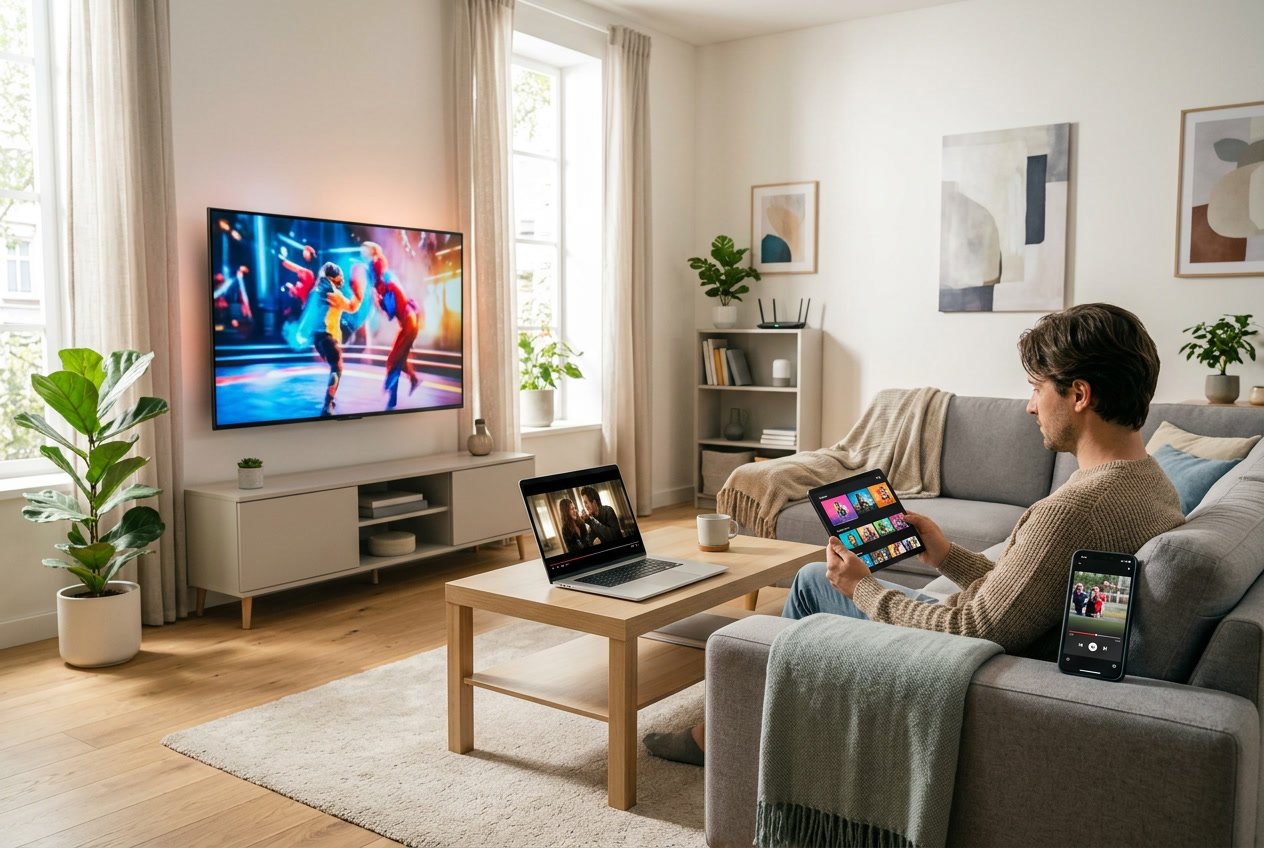
USA IPTV services support a wide range of devices and streaming configurations, with most providers allowing between 1 to 5 simultaneous connections. The key considerations include which devices work with your chosen service, which apps provide the best streaming experience, and how many devices you can use at once.
Compatible Devices
Most USA IPTV providers support streaming across multiple device categories. Smart TVs from Samsung, LG, Sony, and other major brands typically work with IPTV services through native apps or by loading m3u playlists directly.
Amazon Firestick and Fire TV devices remain the most popular choice for IPTV streaming due to their affordability and ease of setup. You can install IPTV apps directly from the Amazon App Store or sideload them using the Downloader app.
Android TV boxes and set-top boxes offer another reliable option with dedicated hardware for streaming. Apple TV, iPhone, and iPad support IPTV through compatible apps available in the App Store. Android smartphones and tablets provide flexibility for watching on the go.
Many services also work on Windows and Mac computers through dedicated applications or VLC media player. Some providers offer web-based players that work in any modern browser without requiring downloads.
IPTV Apps and Platforms
IPTV Smarters Pro stands as one of the most widely used applications for USA IPTV services. This app supports Xtream Codes API and m3u playlist URLs, works across Fire TV, Android, iOS, and other platforms, and provides an intuitive interface with EPG support.
TiviMate offers a premium viewing experience specifically designed for Android devices and Firestick. It features a customizable interface, multi-playlist support, catch-up TV functionality, and built-in recording capabilities.
Other popular options include Perfect Player, GSE Smart IPTV, and Kodi with IPTV add-ons. Your provider will typically recommend specific apps that work best with their service and provide setup instructions for each platform.
Simultaneous and Multi-Device Support
Multi-device streaming capabilities vary significantly between USA IPTV providers. Standard subscriptions typically include 1 to 2 simultaneous connections, while premium plans may offer 3 to 5 concurrent streams.
Multi-device support allows different household members to watch separate content simultaneously on different devices. For example, you could watch sports on your living room smart TV while someone else streams a movie on their tablet.
The number of connections you need depends on your household size and viewing habits. A single person might only need one connection, while families often require 3 or more simultaneous streams. Some providers charge extra for additional connections beyond the base plan.
When using multiple devices, you’ll use the same login credentials across all platforms. Your IPTV app maintains your channel lists, favorites, and settings, though some apps like TiviMate offer cloud sync to keep preferences consistent across devices.
How to Choose the Best USA IPTV Provider

Selecting the right USA IPTV provider requires evaluating channel availability, streaming performance, and cost structure. These three factors determine whether a service meets your viewing needs and budget.
Evaluating Channel Selection
Your channel lineup should match your actual viewing habits. Create a list of 10-15 channels you watch most frequently and verify each IPTV provider includes them before subscribing.
Best USA IPTV providers typically offer 12,000 to 40,000+ channels. However, quantity matters less than quality and relevance. Focus on whether the service carries essential American networks like ESPN, HBO, NBC, ABC, CBS, and Fox Sports alongside any international channels you need.
Check if premium sports networks, local news stations, and VOD libraries are included in the base package or require additional fees. Some IPTV service providers bundle everything together while others charge separately for premium content.
Look for services with accurate Electronic Program Guides (EPG). A reliable EPG helps you browse channels efficiently and schedule recordings. During testing, providers with well-maintained EPG systems delivered better user experiences than those with incomplete or outdated guides.
Comparing Streaming Quality
Streaming quality directly impacts your viewing experience. The best IPTV services support HD, FHD, and 4K streaming with minimal buffering.
Your internet connection speed determines which quality tier you can access reliably. A minimum of 10 Mbps handles HD streaming, while 25 Mbps or higher supports 4K content without interruptions. Test services during peak evening hours when network congestion is highest to assess real-world performance.
Look for IPTV providers that advertise anti-freeze or anti-buffering technology along with high uptime percentages (99% or above). Server response times under 200ms indicate solid infrastructure. Multi-device compatibility ensures you can stream on Smart TVs, Amazon FireSticks, Android boxes, and mobile devices without technical issues.
Premium IPTV services typically maintain consistent bitrates and automatically adjust quality based on your connection speed. Free trials let you verify streaming stability before committing to a subscription.
Pricing and Subscription Plans
IPTV subscription costs vary significantly based on channel count, streaming quality, and connection limits. Monthly plans range from $8 to $50 depending on features.
Compare pricing structures across multiple subscription plans. Some affordable IPTV subscription options offer excellent value at $15-25 for three months, while premium services charge more for 4K/8K streaming and additional simultaneous connections.
Typical IPTV Subscription Models:
- Monthly: $8-$15 (flexibility but higher per-month cost)
- Quarterly: $15-$30 (moderate savings)
- Semi-Annual: $25-$50 (best value per month)
Calculate the per-connection cost if multiple family members stream simultaneously. Services charging $25 for three connections offer better value than single-connection plans at the same price.
Watch for hidden fees, activation charges, or mandatory equipment rentals. The best USA IPTV service providers display transparent pricing without surprise costs. Money-back guarantees (typically 30 days) and free trials (24-48 hours) let you test services risk-free before paying for longer subscriptions.
Review of Leading USA IPTV Services and Brands
The USA IPTV market features diverse providers catering to different viewing preferences and budgets. Service quality varies significantly across providers, with factors like server stability, channel selection, and customer support distinguishing top-tier options from budget alternatives.
Top-Ranked IPTV Services in the USA
Several IPTV providers have established strong reputations in the USA market through consistent performance and reliable service. OTTOcean stands out for high uptime servers and professional interface design, making it suitable for users who prioritize stability over budget pricing. WorthyStream offers balanced features with live sports, HD streaming, and multi-device login capabilities at competitive rates around $15 monthly.
Apollo Group TV has gained traction among sports enthusiasts for comprehensive coverage of major leagues and international sporting events. The service includes catch-up TV functionality and supports multiple simultaneous connections. IP locking policies vary by provider, with some services restricting access to specific geographic regions or limiting the number of devices you can use simultaneously.
USA IPTV subscription trends in 2026 show increasing demand for 4K content. Services like 4K IPTV Zone focus specifically on ultra-high-definition streams, though you’ll need internet speeds of 25 Mbps or higher for optimal performance. XCodes IPTV and BunnyStream have carved niches by offering customizable channel packages rather than one-size-fits-all bundles.
Spotlight: Digitalizard, Xtreme HD IPTV, EagleCast TV
Digitalizard delivers straightforward IPTV services focused on ease of use and consistent streaming quality. The provider offers live TV combined with VOD access at approximately $13 monthly. Digitalizard IPTV emphasizes simple installation processes, making it accessible for users new to IPTV technology. The service lacks advanced features like extensive catch-up TV or premium sports packages, but compensates with reliable HD channels and stable performance during peak viewing hours.
Xtreme HD IPTV (also marketed as XtremeHDS IPTV) promotes large channel lineups exceeding 20,000 options across various categories. The service implements anti-freeze technology to minimize buffering and maintains multiple backup servers. Xtreme HD IPTV pricing starts around $15 monthly with discounted annual plans reaching $90. Long-term subscriptions provide better value, though you should test the service through available trials before committing to extended periods.
EagleCast TV positions itself as a premium option with curated content selection rather than overwhelming channel counts. The service prioritizes stream quality over quantity, offering verified HD sources for popular US networks. EagleCast TV typically includes dedicated customer support channels and faster response times compared to budget providers.
OTT and Premium Streaming Alternatives
Traditional OTT platforms like YouTube TV, Hulu + Live TV, and Sling TV represent legal alternatives to independent IPTV services. These platforms carry proper licensing agreements and offer transparent operations, though monthly costs typically range from $40 to $80. YouTube TV provides unlimited DVR storage and supports major broadcast networks alongside cable channels.
Sling TV offers flexible packages starting around $40 monthly with customizable add-ons for sports, news, or international content. The platform works across most devices without requiring specialized IPTV applications. USA Live IPTV providers must compete with these established services by offering significantly lower prices or broader international channel access.
Premium streaming services like Netflix, Amazon Prime Video, and Disney+ focus on on-demand content rather than live television. Many IPTV users maintain hybrid setups, combining IPTV subscriptions for live channels with premium OTT services for exclusive original programming. This approach provides comprehensive entertainment coverage while managing costs below traditional cable packages.
Reliability, Uptime, and Customer Support
When evaluating USA IPTV services, three factors separate premium providers from unreliable ones: consistent server performance, responsive support teams, and secure streaming infrastructure. These elements directly impact your viewing experience during live sports, peak evening hours, and critical entertainment moments.
Server Stability and Anti-Buffering
Server uptime determines whether your IPTV service remains accessible when you need it most. Premium USA IPTV providers advertise 99.9% uptime or higher, which translates to less than 9 hours of downtime per year. Some top-tier services claim 99.99% uptime, reducing potential interruptions to under 53 minutes annually.
Anti-freeze technology and anti-buffering technology work by distributing server load across multiple data centers. During testing on 200 Mbps fiber and 50 Mbps broadband connections, services with these features maintained smooth streams even during NFL games and other high-traffic events. Server stability depends on three technical components:
- Content Delivery Networks (CDNs) that route your stream through the nearest server
- Adaptive bitrate streaming that adjusts quality based on your internet speed
- Redundant server infrastructure that switches to backup systems during outages
Quality of service (QoS) protocols prioritize IPTV traffic over other internet activities on your network. For buffer-free streaming, you need at least 10 Mbps for HD content and 25 Mbps for 4K streams per concurrent device.
Customer Service and Troubleshooting
24/7 customer support availability matters because streaming issues often occur during evening hours or weekend sports events. American-based support teams understand time zone requirements and can assist during critical viewing periods rather than making you wait until the next business day.
Response times vary significantly between providers. During evaluation, support teams ranged from 15-minute live chat responses to 48-hour email delays. Services offering instant activation typically provide onboarding guides and installation walkthroughs that reduce your need for technical assistance.
Look for providers that offer multiple contact methods: live chat, email ticketing, Discord servers, and phone support. The most effective troubleshooting happens through screen-sharing sessions where technicians can diagnose device-specific configuration issues directly.
Security and Safe Streaming
Secure IPTV providers implement encrypted connections that protect your viewing data from third-party monitoring. Premium services use SSL certificates and HTTPS protocols to prevent man-in-the-middle attacks during authentication and streaming sessions.
Payment security requires attention to provider transparency. Legitimate services accept major credit cards, PayPal, or cryptocurrency through established payment processors. Avoid providers requesting wire transfers or prepaid gift cards, as these payment methods offer no fraud protection.
Your device security depends on avoiding services that require sideloading unknown APK files or disabling antivirus software. Reputable USA IPTV providers offer apps through official channels like Amazon Appstore or provide M3U playlist URLs compatible with trusted players like VLC and IPTV Smarters Pro.
Legal Considerations and Copyright in USA IPTV
IPTV legality in the United States depends entirely on whether the service holds proper content licenses, and understanding the difference between licensed and unlicensed providers protects you from service disruptions and potential risks.
Licensing, Copyright Law, and Compliance
The Copyright Act of 1976 and the Digital Millennium Copyright Act (DMCA) of 1998 form the legal foundation for IPTV in the United States. Television content including sports broadcasts, movies, and series is protected by copyright, and any provider distributing this content must obtain licenses from copyright holders.
Licensed IPTV providers pay fees to content owners in exchange for legal distribution rights. This arrangement mirrors how traditional cable companies operate. The provider negotiates with content owners like NBCUniversal or Disney, pays licensing fees based on subscriber counts or revenue sharing, and then legally streams that content to customers.
Legal IPTV services include:
- Hulu Live TV
- YouTube TV
- Sling TV
- FuboTV
Unlicensed providers stream copyrighted content without authorization, violating copyright law and exposing their operations to civil lawsuits and criminal prosecution. The Department of Justice has successfully prosecuted operators of unlicensed IPTV services, resulting in prison sentences and multi-million dollar judgments.
Legal vs. Unverified IPTV Services
Identifying whether an IPTV service operates legally requires examining specific indicators. Licensed services maintain transparent business identities, discuss their content licensing agreements, and charge prices that reflect actual licensing costs. Most legitimate services cost $30-$80 monthly because content licensing is expensive.
Unverified services typically charge unusually low prices (under $10 monthly), accept only cryptocurrency or gift cards, and lack verifiable business information. These services operate without content licenses and face constant risk of shutdown by law enforcement or civil actions from content holders.
| Licensed Services | Unverified Services |
|---|---|
| Transparent business identity | Anonymous operators |
| Standard payment methods | Cryptocurrency/gift cards only |
| $30-$80 monthly pricing | Under $10 monthly |
| Official app stores | APK sideloading required |
| Stable long-term operation | Frequent shutdowns |
The enforcement landscape has intensified significantly. International coordination between US authorities and agencies like Europol has shut down major unlicensed operations with millions of subscribers.
Staying Protected as a Viewer
You protect yourself by choosing licensed IPTV providers that operate transparently under US copyright law. Licensed services provide stability since they face no enforcement risk, and your subscription remains active without unexpected shutdowns.
Verify your current service by checking whether it mentions content licensing on its website, operates through a registered business entity, and offers customer support with real contact information. If your service fails these checks, you may be using an unlicensed provider.
Beyond legal compliance, licensed services offer better security since their apps distribute through official channels without malware risks. They invest in infrastructure quality because they operate sustainable businesses rather than temporary operations designed to extract quick revenue before shutdown.
The Federal Communications Commission (FCC) also regulates aspects of IPTV including consumer protection against deceptive billing practices. Licensed providers comply with these regulations and provide transparent cancellation policies.
Popular Content Types and Add-Ons
USA IPTV services bundle thousands of channels and on-demand titles across sports, entertainment, movies, and regional programming. Most providers also include specialized features like pay-per-view events and catch-up TV to replace or supplement traditional cable.
Sports, Movies, and TV Shows
IPTV for sports dominates many USA subscriptions because providers carry NFL, NBA, NHL, MLB, and soccer leagues in HD or 4K. You can access dedicated channels for league coverage, RedZone-style multiview feeds, and international competitions like Premier League or UFC fight nights.
Movies and TV shows arrive through both live movie channels and extensive VOD libraries. Top services list 50,000 to 150,000 titles spanning new releases, classics, and series box sets. You stream on-demand content whenever you want instead of waiting for broadcast schedules.
Most packages combine all three categories in a single subscription. Sports fans benefit from multi-screen setups during game day, while families use the same account to watch kids’ programming, reality TV, and blockbuster films. This bundling mirrors cable but usually costs less and requires no contracts.
Accessing Local, Regional, and International Channels
American channels form the core lineup, including major networks like ABC, CBS, NBC, FOX, and cable staples such as ESPN, CNN, and HGTV. Local networks provide city-specific news, weather, and community programming through geo-targeted streams or national feeds.
Regional channels cover state or metro-area sports teams, local news affiliates, and area-focused content. Some providers aggregate these feeds so you receive broadcasts relevant to your ZIP code or preferred city.
International channels expand your options beyond USA content. Popular services include UK channels, Canadian networks, Latin American Spanish-language programming, European sports, Middle Eastern news, and Asian entertainment. This variety matters if you follow global sports leagues or speak multiple languages at home.
Special Features: Pay-Per-View and Catch-Up TV
Pay-per-view events like boxing matches, UFC fights, and WWE premium shows appear on many IPTV platforms. Instead of ordering each PPV event separately through cable at $60–$80, your subscription may include these events or charge a smaller add-on fee.
Catch-up TV lets you rewind live channels or replay shows from the past 24–72 hours. You watch missed episodes without recording or waiting for on-demand uploads. EPG guides mark which channels support catch-up so you know when rewind is available.
Both features reduce reliance on DVRs and separate streaming apps. You manage sports, movies, and live events from one interface instead of juggling multiple subscriptions or rental fees.
Frequently Asked Questions
IPTV legality depends on proper licensing, reliable streaming requires specific internet speeds and network configurations, device compatibility varies by platform, playlist setup involves technical steps, provider selection requires evaluating multiple factors, and common issues have specific troubleshooting solutions.
Is IPTV legal in the United States, and how can I tell if a service is legitimate?
IPTV technology itself is completely legal in the United States. The legality of any specific service depends entirely on whether the provider holds proper content distribution licenses from copyright holders.
Licensed IPTV services operate under the same legal framework as cable companies and streaming platforms like Hulu Live TV or YouTube TV. They pay licensing fees to broadcasters and content owners in exchange for distribution rights. This makes their operation fully compliant with US copyright law.
Unlicensed services stream copyrighted content without authorization, which violates the Copyright Act of 1976 and the Digital Millennium Copyright Act. These services are illegal regardless of how you access them.
You can identify legitimate services by checking for transparent business information, realistic pricing that reflects content licensing costs, and official app distribution through recognized app stores. Services charging under $5-8 per month typically cannot cover licensing fees and are likely unlicensed. Legitimate providers also clearly state their licensing status and maintain verifiable business identities.
What internet speed and network setup do I need for reliable streaming with minimal buffering?
You need a minimum of 10 Mbps for standard definition streams, 25 Mbps for HD quality, and 50 Mbps or higher for 4K content. These speeds represent the minimum per concurrent stream, so multiple simultaneous streams require proportionally higher bandwidth.
Your network setup matters as much as raw speed. A wired Ethernet connection provides the most stable performance and eliminates Wi-Fi interference issues. If you must use Wi-Fi, position your streaming device within direct line of sight of your router and use the 5 GHz band rather than 2.4 GHz.
Router quality significantly affects streaming performance. Older routers may struggle with sustained high-bandwidth streaming even if your internet plan provides sufficient speed. You should use a router that supports modern Wi-Fi standards (Wi-Fi 5 or Wi-Fi 6) and has adequate processing power.
Background network activity reduces available bandwidth for IPTV streaming. Large downloads, cloud backups, video calls, and online gaming on other devices can cause buffering. You can prioritize IPTV traffic through Quality of Service (QoS) settings in your router configuration.
Which devices and apps are best for watching IPTV on a Smart TV, Fire TV, Android, iPhone, or PC?
Smart TVs work best with dedicated IPTV apps available through their native app stores or through IPTV player apps like Smart IPTV and SET IPTV. Samsung and LG Smart TVs support these apps directly, though you may need to load playlists manually.
Fire TV devices offer excellent IPTV compatibility through apps like IPTV Smarters Pro, TiviMate, and Perfect Player. These apps provide EPG support, recording capabilities, and intuitive interfaces. Fire TV Stick 4K and Fire TV Cube deliver the best performance for HD and 4K streams.
Android devices including Android TV boxes, smartphones, and tablets support the widest range of IPTV apps. TiviMate is the most popular choice for Android TV, offering a polished interface and advanced features. You can sideload apps not available in official stores, though this carries security risks if you download from untrusted sources.
iPhones and iPads have fewer IPTV app options due to App Store restrictions, but GSE Smart IPTV and IPTV Smarters Pro are available and work reliably. You need to add your M3U playlist URL and EPG source through the app settings.
PC users can access IPTV through VLC Media Player for basic playback or dedicated applications like MyIPTV Player and IPTV Smarters Pro for Windows. VLC handles M3U playlists directly but lacks advanced features like EPG integration and recording.
How do M3U playlists and EPG guides work, and how do I set them up correctly?
M3U playlists are text files containing channel stream URLs and metadata. Your IPTV provider supplies an M3U URL that your player app reads to populate the channel list. The playlist updates automatically when the provider makes changes to channels or stream addresses.
You add an M3U playlist by entering the URL in your IPTV app’s settings section, usually labeled “Add Playlist” or “Load M3U.” The app downloads the playlist and displays available channels. Some apps require you to refresh the playlist manually after changes, while others auto-refresh on a schedule.
EPG (Electronic Program Guide) data provides the program schedule information you see when browsing channels. EPG data comes as a separate XML or GZIP file from your IPTV provider. You must add the EPG URL to your app settings in addition to the M3U playlist.
The EPG URL goes in a separate field from the M3U URL, typically labeled “EPG URL” or “XMLTV Source.” After adding both URLs, you may need to wait several minutes for the app to download and process the EPG data. Large EPG files can take 5-10 minutes to load initially.
Channel matching between the M3U playlist and EPG data happens automatically when your provider configures them correctly. If program information doesn’t appear for certain channels, the channel IDs in the M3U file may not match the EPG data. You can manually map channels to EPG entries in advanced app settings.
What should I check when choosing an IPTV provider for channel selection, uptime, support, and pricing?
Channel selection should match your actual viewing needs rather than simply maximizing quantity. Verify that the provider offers the specific channels, sports packages, and regional content you want. A provider with 500 well-curated channels typically delivers better value than one with 5,000 channels that include mostly filler content.
Service uptime and stream reliability matter more than channel count. Look for providers that specify uptime guarantees and maintain redundant server infrastructure. Read independent reviews focusing on stream stability during peak hours and major sporting events when server load increases.
Customer support quality becomes critical when technical issues arise. Test support responsiveness before committing to a long subscription by asking pre-sale questions. Legitimate providers offer multiple support channels including email, live chat, or ticket systems with reasonable response times.
Pricing should reflect the cost of proper licensing and infrastructure. Extremely low prices indicate either unlicensed content or inadequate infrastructure investment. Compare pricing structures including whether the provider charges extra for features
Table of Contents
USA IPTV USA IPTV USA IPTV USA IPTV USA IPTV USA IPTV USA IPTV USA IPTV USA IPTV USA IPTV USA IPTV USA IPTV USA IPTV USA IPTV USA IPTV USA IPTV USA IPTV USA IPTV USA IPTV USA IPTV USA IPTV USA IPTV USA IPTV USA IPTV USA IPTV USA IPTV USA IPTV USA IPTV USA IPTV USA IPTV USA IPTV USA IPTV USA IPTV USA IPTV USA IPTV USA IPTV USA IPTV USA IPTV USA IPTV USA IPTV USA IPTV USA IPTV USA IPTV USA IPTV USA IPTV